Form W-4
Employee's Withholding Certificate
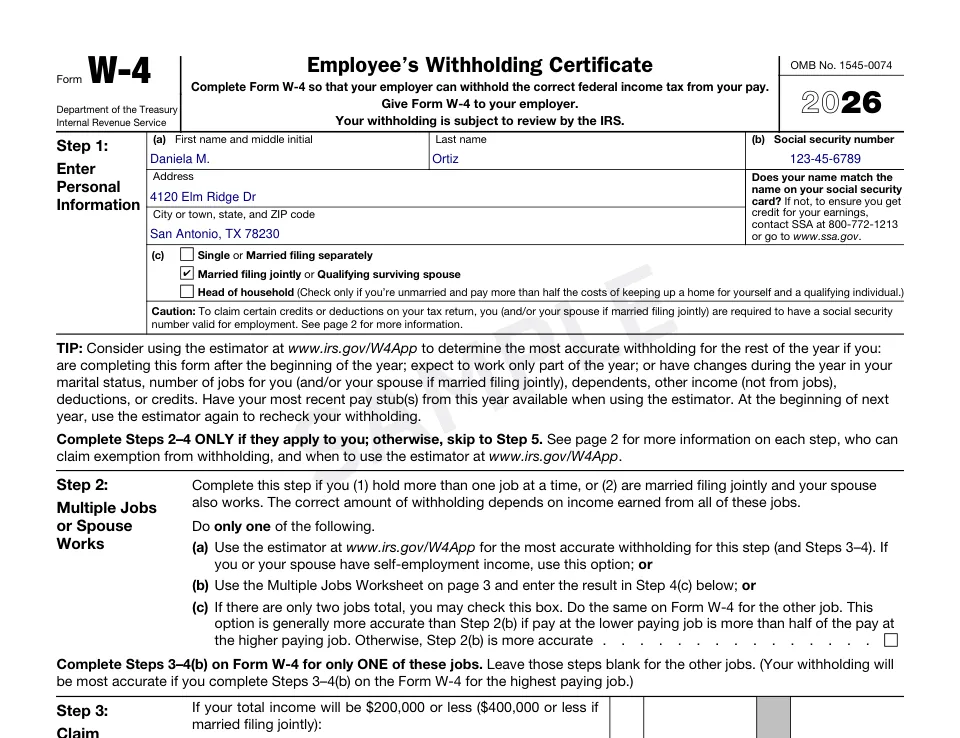
Form W-4 tells your employer how much federal income tax to take out of each paycheck. Fill in the official 2026 form step by step, with the dependent credits added up for you, check it in the preview, pay once and download it ready to sign.
What it reports
- Starting a new job, or changing the withholding at the job you have
- Claiming children and other dependents, other income, deductions or extra withholding
- Two-job households and the exemption from withholding
What you'll get
- The official IRS form with every entry in place, as a PDF ready to sign
- Downloads on your order page for 30 days, plus an email link
How it works
- 1Enter the information once; add every recipient you need.
- 2Check the official form, filled in, in the live preview.
- 3Pay once and download your PDF right away.
Questions
Who gets my W-4?
Your employer, not the IRS. Sign and date page 1 and hand it to your payroll or HR contact; keep the worksheets for your records.
How are the Step 3 amounts worked out?
Enter how many qualifying children under 17 and other dependents you have; the form multiplies them by $2,200 and $500 for 2026 and adds any other credits you enter.
Which tax years can I prepare Form W-4 for?
2026. Each year uses the IRS edition in effect for it, and the preview shows exactly that edition.
How much does Form W-4 cost?
$4.99 per form, paid once at checkout. There is no account, subscription or extra fee, and you see the full filled form before you pay.